
Overview
The AI Image Alt Tag Generator plugin automatically generates alt tags for images uploaded to your WordPress site. Using an inbuilt AI feature, the plugin recognizes the most relevant elements in the image and provides an accurate, SEO-friendly alt text. This improves accessibility and enhances search engine rankings.
Installation
 Log in to your WordPress dashboard
-
Navigate to Plugins > Add New.
-
Click Upload Plugin and select the plugin ZIP file.
-
Click Install Now, then Activate the plugin.
How To Use
-
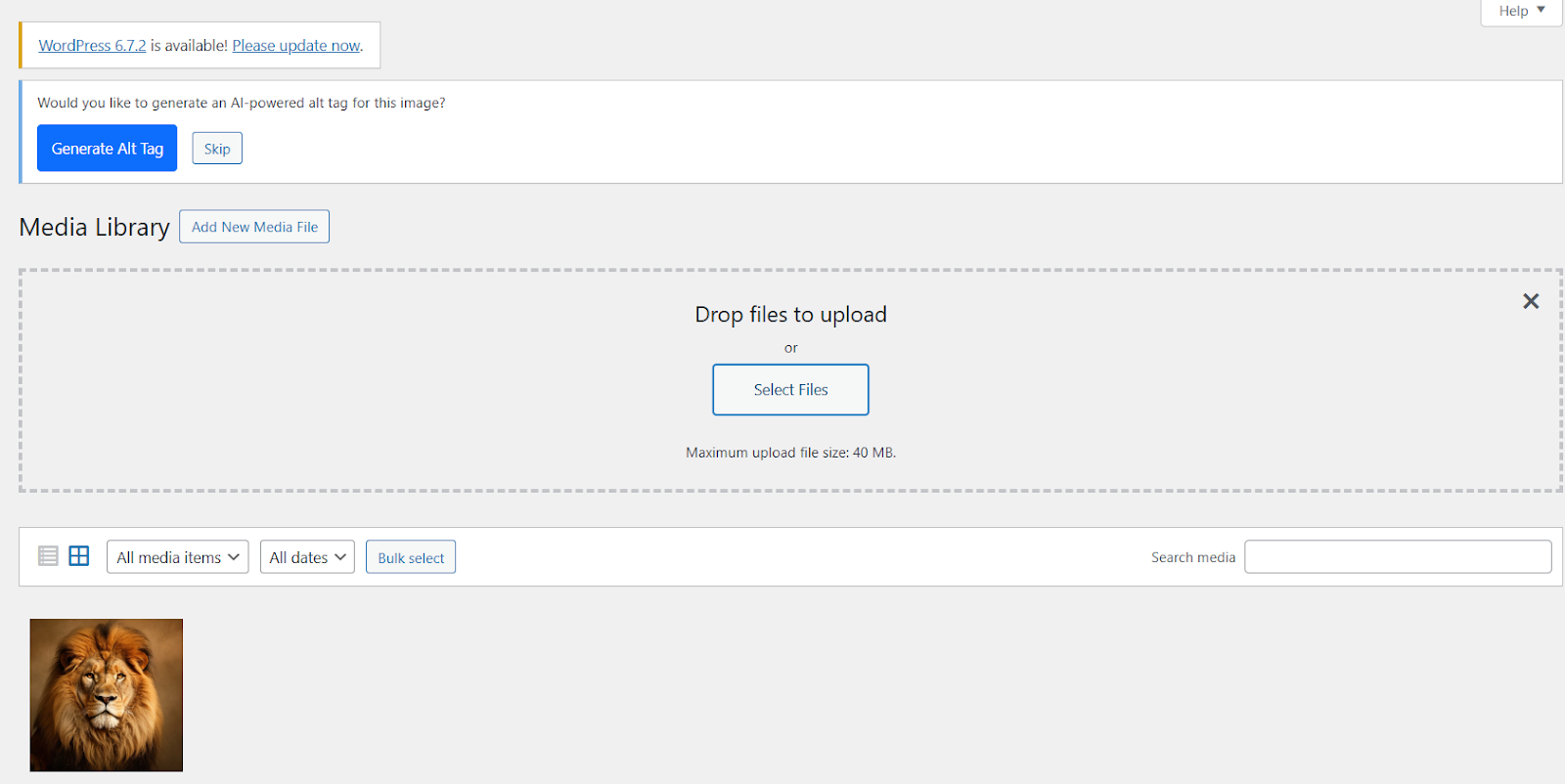
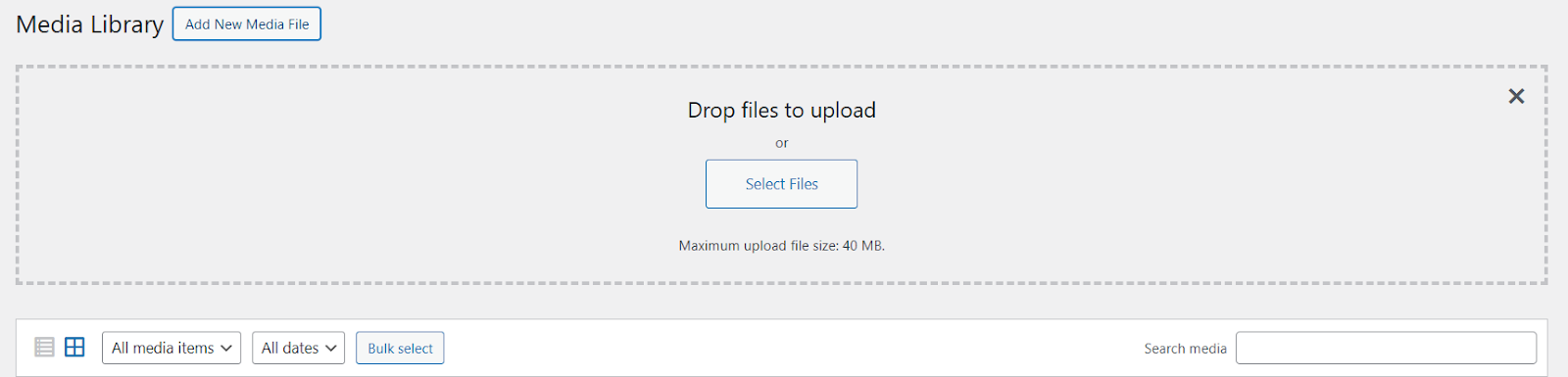
Navigate to Media > Add New.
-
Upload an image as you normally would.
-
Once the image is uploaded, the plugin will automatically analyze it.
-
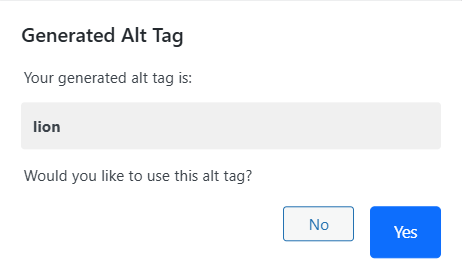
The generated alt tag will be displayed in the alt text field.
-
You can manually edit the generated alt tag if you prefer a different description.
-
Save your changes by clicking Update.
Benefits
-
Improves SEO: Helps search engines understand image content.
-
Enhances Accessibility: Ensures screen readers can describe images to visually
impaired users.
-
Saves Time: No need to manually create alt tags for each image.
-
The generated alt tag will be displayed in the alt text field.
-
You can manually edit the generated alt tag if you prefer a different description.
-
Save your changes by clicking Update.